Skip to Content

Server-side tracking · sGTM · Conversions API

Server-side tracking that recovers the conversions browsers block.

Server-side Google Tag Manager on Stape or Google Cloud, Meta Conversions API, TikTok Events API and enhanced conversions: privacy-first by design, so ad platforms bid on complete data and you decide what leaves your site.

  • Audit in 48 hours
  • Privacy-first by design
  • You own the container
  • 9server-side containers deployed
  • 50+GTM accounts managed in 9 countries
  • 0personal or health fields forwarded by default

Same visit, two tracking setupsbrowser vs server

  1. purchase · Safari + blockerbrowser pixelLost
  2. purchase · Safari + blockerserver containerRecorded
  3. lead · Instagram in-appserver containerRecorded
  4. email, phone, notesredaction ruleRemoved
  5. gclid · fbclidfirst-party cookieKept

The server sees what the browser drops, and strips what platforms shouldn’t get.

9server-side containersdeployed across our GTM portfolio
Illustrative comparison: a browser-only pixel loses a purchase that a server-side container records; the server also removes personal fields and keeps click IDs in a first-party cookie.

What is server-side tracking?

Server-side tracking sends conversion events from your own server container, not directly from the visitor’s browser, to tools like GA4, Google Ads and Meta. It improves data completeness, page speed and control over which personal data is shared, while still respecting consent.

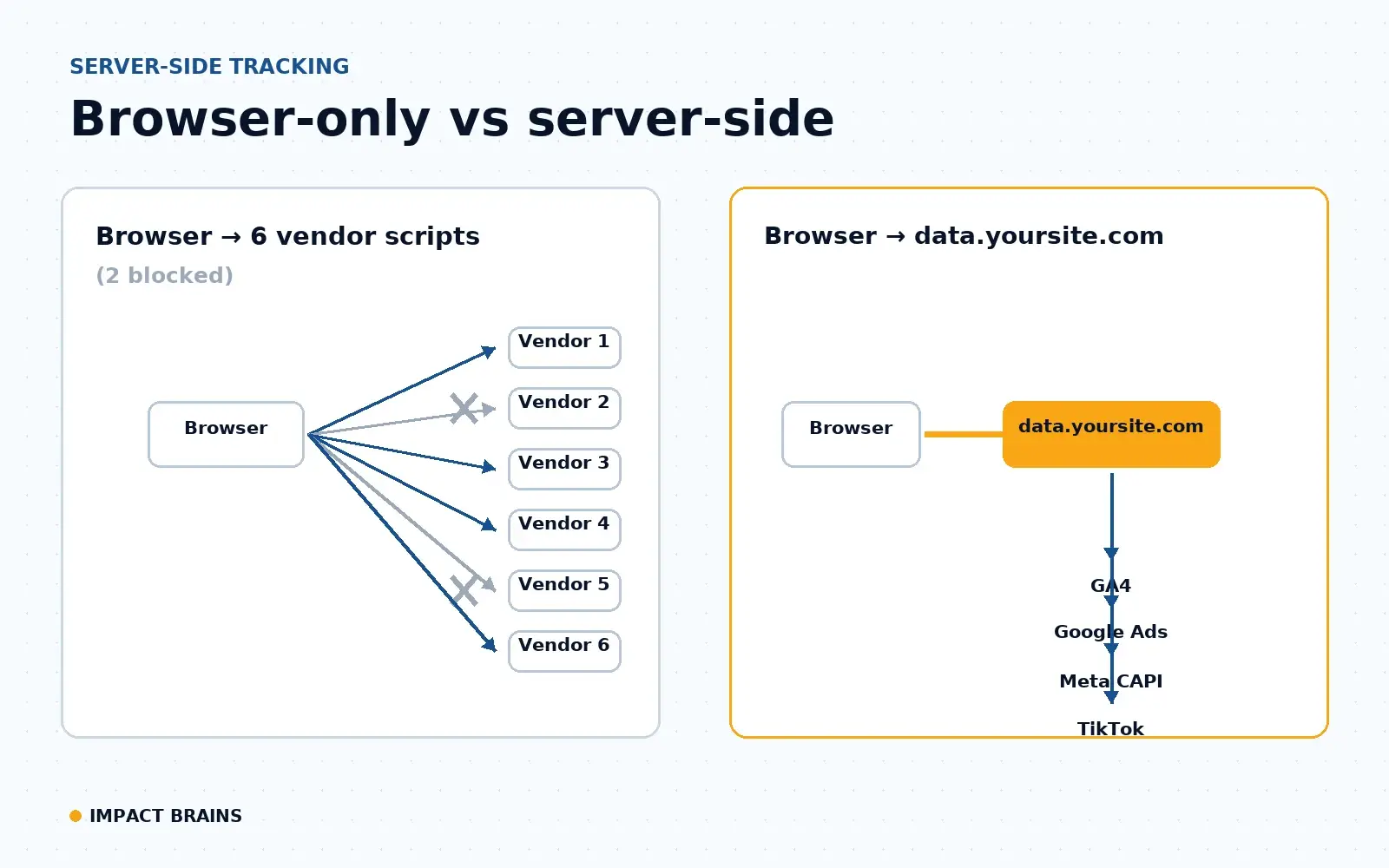
Normally, every ad platform’s script runs in your visitor’s browser and sends data straight to that platform. Browsers increasingly block or shorten those scripts, so platforms see fewer conversions than really happened.

With a server-side container, the browser sends one stream of events to your own subdomain. Your server then forwards clean copies to each platform, through official server APIs such as Meta’s Conversions API.

  1. Collect once: the browser sends events to your subdomain, not to ten vendors.
  2. Clean: the server removes personal or sensitive fields.
  3. Forward: GA4, Google Ads, Meta and TikTok get official server events.
  4. Deduplicate: one event ID per conversion across browser and server.
  5. Respect consent: Consent Mode still decides what is sent.

Browser pixels miss a growing share of conversions.

Ad blockers, Safari’s tracking prevention, in-app browsers and consent banners all cut into what client-side pixels can see. Ad platforms then bid on incomplete data and under-value the campaigns that actually work.

A server-side container restores signal quality and lets you strip sensitive fields before anything reaches a third party.

  • Under-reported conversions

    Platforms see fewer purchases and leads than your CRM or store records, so smart bidding learns the wrong lesson.

  • Short-lived cookies

    Browser-set cookies can expire in days, so returning buyers look like new ones and attribution breaks.

  • No control over what is sent

    Third-party scripts can pick up URLs, form fields and identifiers you never meant to share.

What’s included in a server-side tracking setup

Built, QA’d and documented by engineers, inside your own accounts. Typical setups go live in two to four weeks.

  • Server container on Stape or Google Cloud

    Hosted on infrastructure you own, sized for your traffic, with logging switched on.

  • First-party subdomain and cookie strategy

    A tagging endpoint such as data.yoursite.com, so cookies are first-party and longer-lived.

  • Meta Conversions API with deduplication

    Server events with event_id matching the browser pixel, plus Event Match Quality checks.

  • Google Ads enhanced conversions

    Hashed, consented first-party data matched server-side to recover attribution.

  • TikTok Events API

    Server events for TikTok campaigns, deduplicated against the TikTok pixel.

  • PII and PHI redaction rules

    Names, emails, phone numbers, free-text fields and health details removed before any vendor receives data.

  • Monitoring and alerting

    Request volumes and error rates watched, with alerts when a release breaks an event.

Browser-only pixels vs server-side tagging

Same website, same visitors. What changes is who sees the data, and how much of it survives.

Browser-only

Every vendor’s script runs on your page

  • Blocked by ad blockers and some browsers
  • Cookies set by scripts can expire within days
  • Each vendor collects what its script can read
  • More scripts slow the page down
  • Hard to prove what data left your site
Server-side

One stream to your server, clean copies out

  • Events reach your own first-party endpoint
  • Server-set cookies last longer
  • Redaction rules decide exactly what each vendor receives
  • Fewer third-party scripts on the page
  • A logged, auditable record of every outgoing event

What server-side tracking changes, platform by platform

Each ad platform has its own server-side channel. We connect the ones you spend on, deduplicate them against the browser tags, and send only the fields each platform needs.

Server-side connections we set up
PlatformServer-side channelWhat it improves
GA4GA4 client and tag in the server containerSession continuity and complete conversion counts
Google AdsServer-side conversion tag with enhanced conversionsAttribution for cross-device and cookie-limited users
MetaConversions APIConversions and match quality after iOS and browser limits
TikTokEvents APIOptimization signal for TikTok campaigns
BigQueryRaw event exportA source of truth you own for dashboards and audits

Server-side tagging improves data quality and control. It does not bypass consent: Consent Mode v2 still decides what is sent.

Browser-only tracking compared with server-side tracking by Impact Brains: blocked browser events versus one first-party stream to a server container that redacts and forwards to GA4, Google Ads and Meta
Browser-only pixels vs server-side tagging: one first-party stream in, clean server events out.

Server-side tracking in production

Our server-side work lives inside client accounts, so we publish it as a portfolio rather than a single before-and-after.

50+
Tracking · 12+ industries

50+ Google Tag Manager accounts across 9 countries

GA4, GTM, 9 server-side containers, Meta Conversions API, TikTok Events API, call tracking and offline conversions, maintained across healthcare, home services, e-commerce, B2B and more.
See the tracking portfolio 
$25K+
E-commerce · Tracking rebuild

Tracking rebuilt for a $25K+/month ad account

GTM cleanup, GA4 with enhanced e-commerce, Meta Pixel and Conversions API, and an attribution audit, so Google and Meta bid on complete purchase data again.

Read the case study 
−57%
Healthcare · Google Ads

Facial plastic surgery practice, Washington, D.C.

Procedure-level campaigns, a dedicated consult page and tracking that separated calls, forms and booked consults cut cost per conversion from $141.68 to $61.12 while conversions grew from 34 to 99.

Read the case study 

See all case studies 

What clients say after the system goes live

Unedited feedback from the practices, service businesses and brands we build and run systems for.

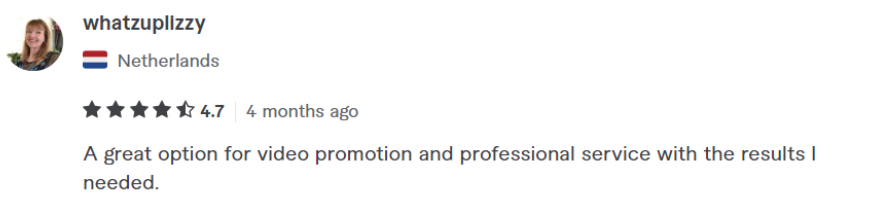
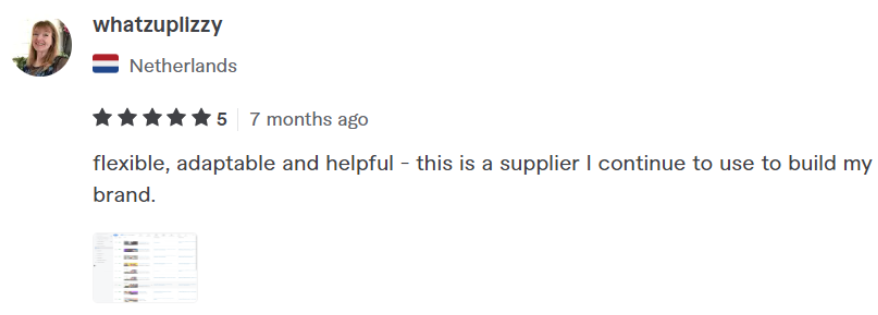
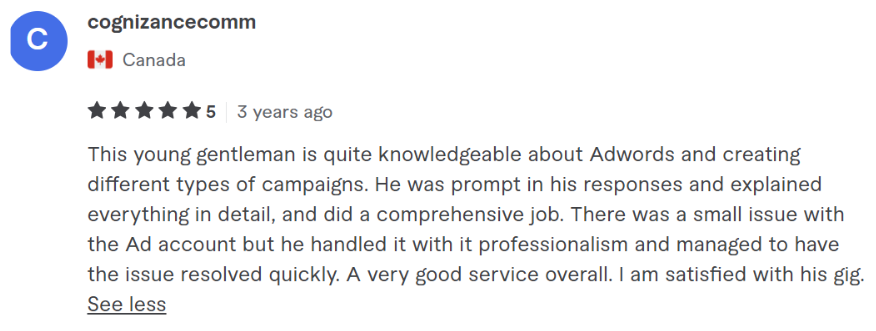
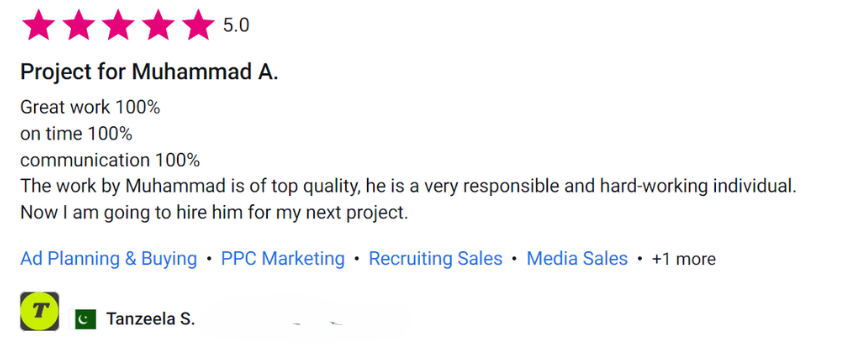
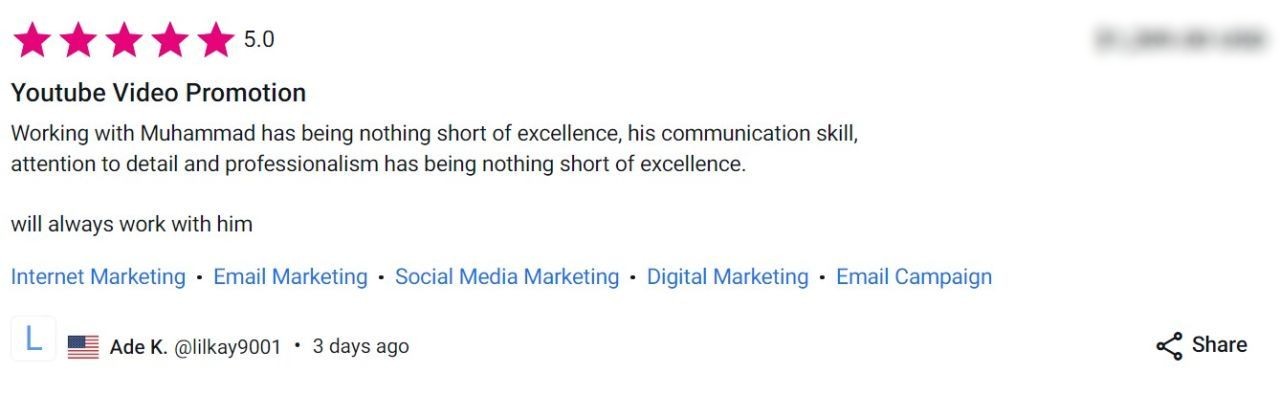
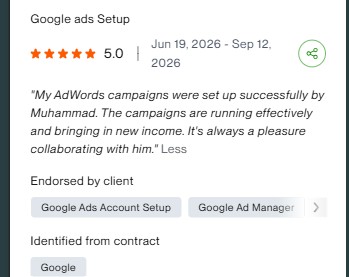
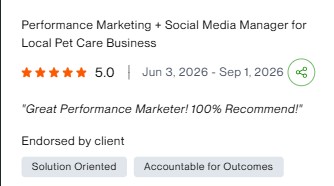
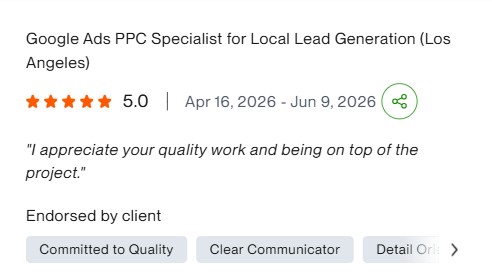
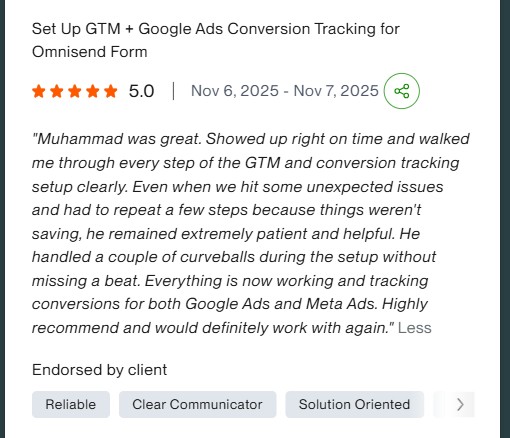
Omnisend Testimonial for Google Ads Tracking
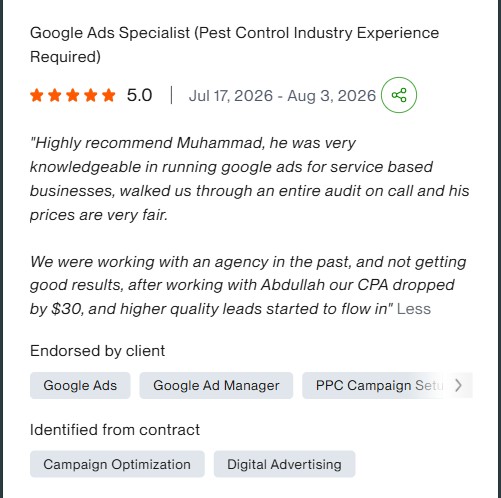
30 Dollar CPA Drop Testimonial
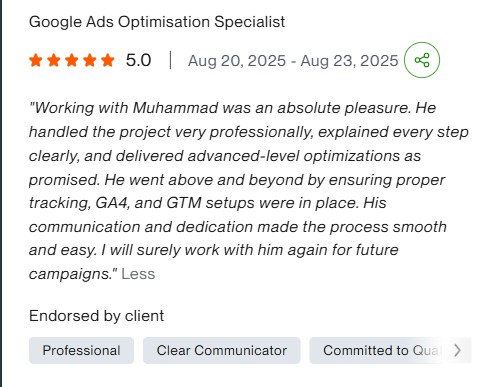
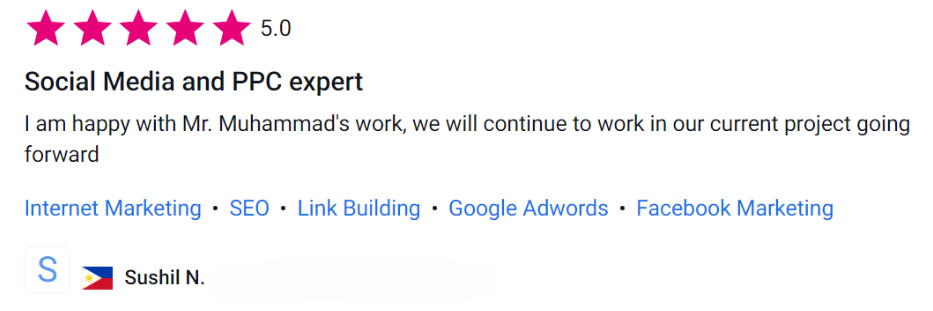
Google Ads Optimization Specialist Testimonial
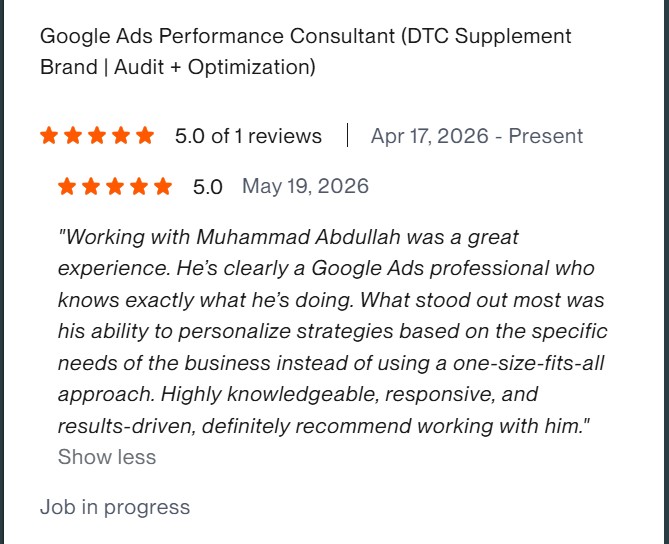
Google Ads Professional Testimonial
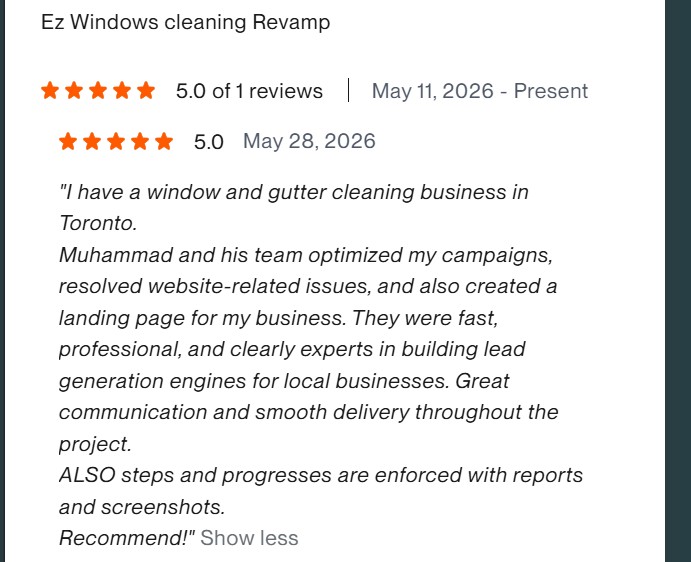
Window Cleaning Business Ads and Landing Page Testimonial
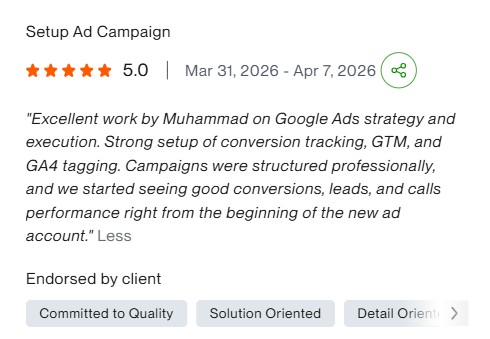
Professional Google Ads Campaign Setup Testimonial
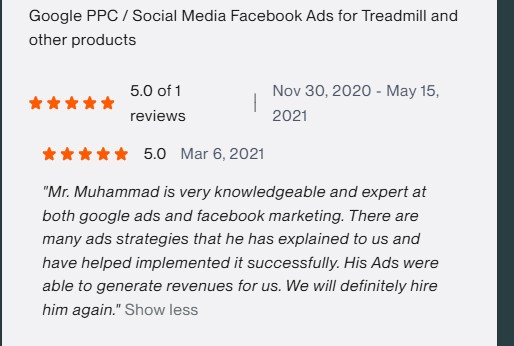
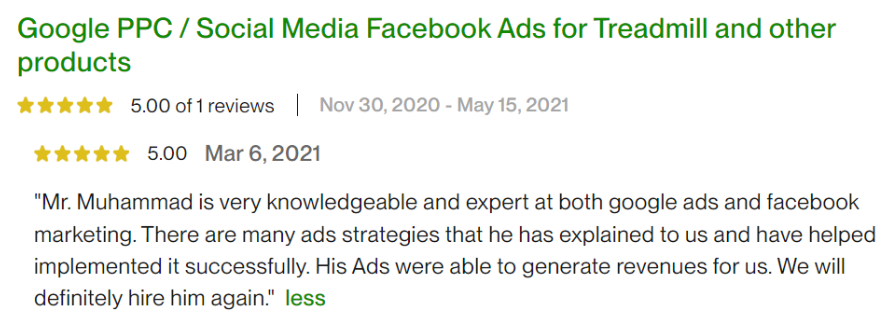
Google Ads and Facebook Marketing Testimonial
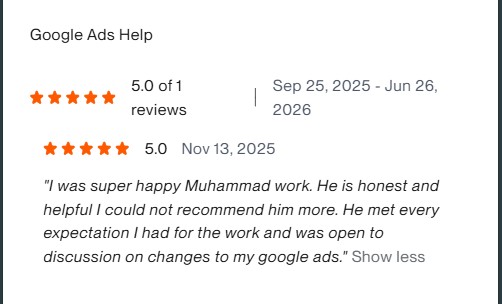
Changes in Google Ads Testimonial
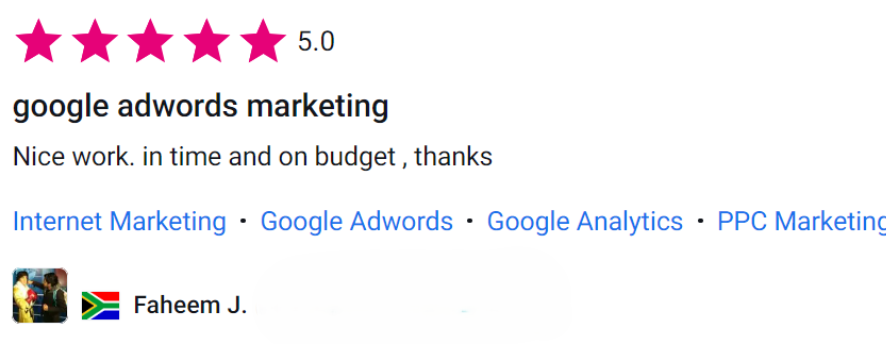
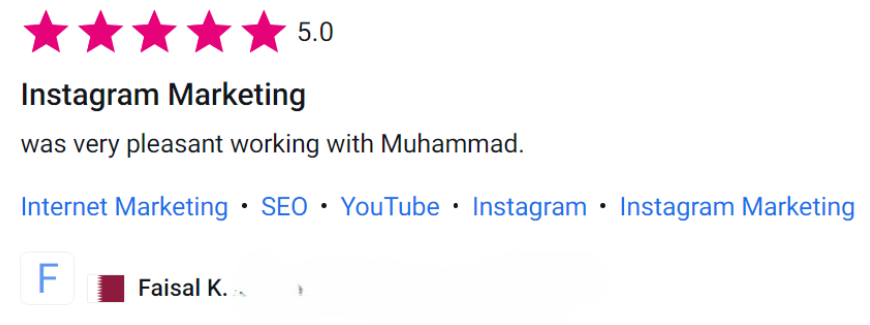
Client review of Impact Brains, screenshot 9 of 33
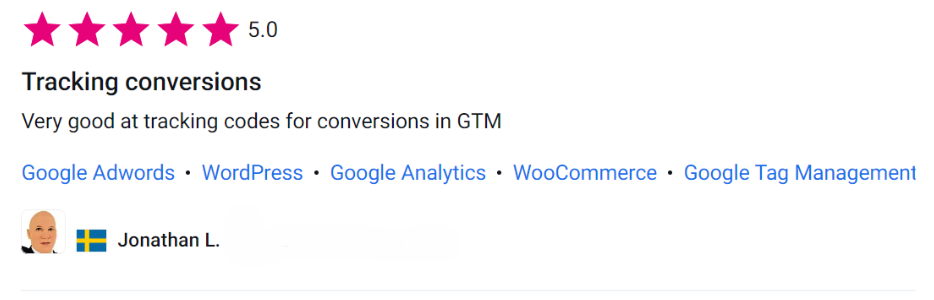
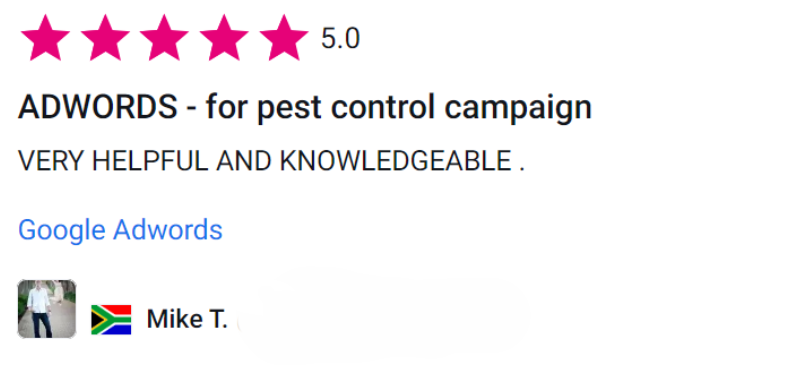
Client review of Impact Brains, screenshot 10 of 33
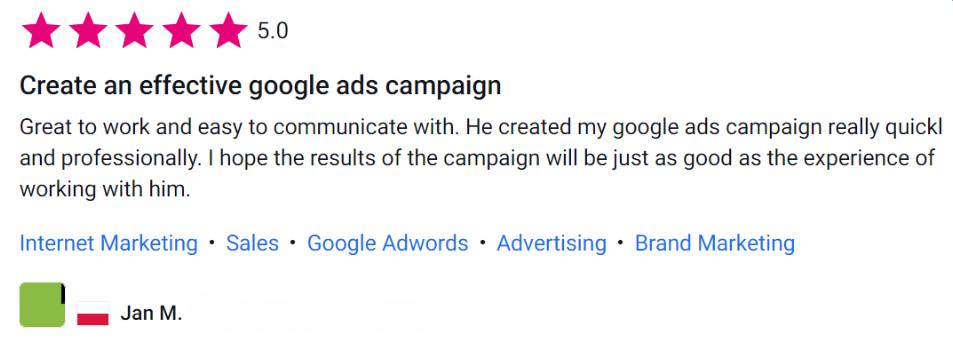
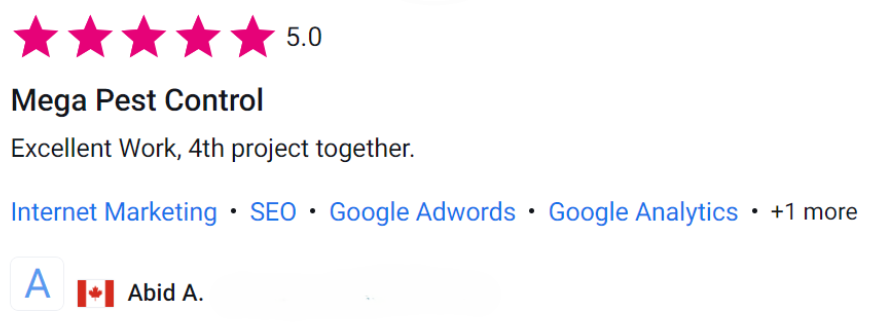
Client review of Impact Brains, screenshot 11 of 33
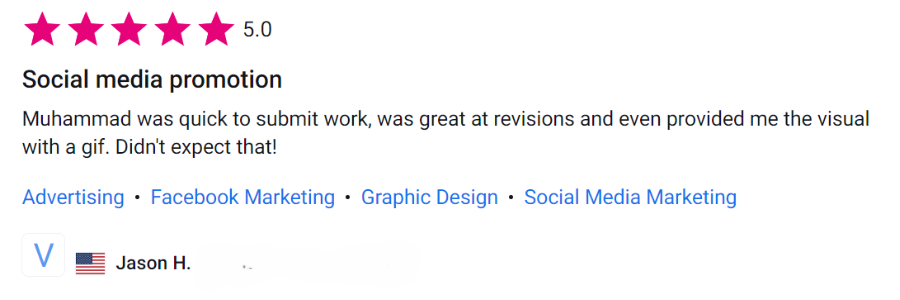
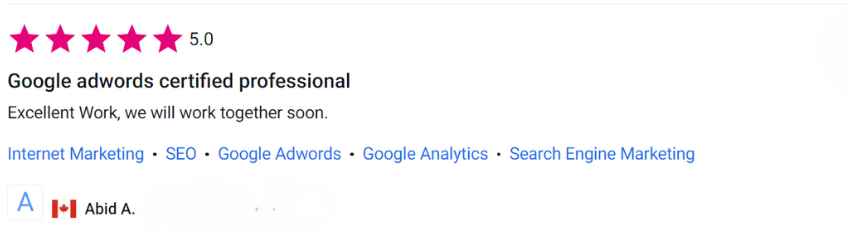
Client review of Impact Brains, screenshot 12 of 33
Client review of Impact Brains, screenshot 13 of 33
Client review of Impact Brains, screenshot 14 of 33
Client review of Impact Brains, screenshot 15 of 33
Client review of Impact Brains, screenshot 16 of 33
Client review of Impact Brains, screenshot 17 of 33
Client review of Impact Brains, screenshot 18 of 33
Client review of Impact Brains, screenshot 19 of 33
Client review of Impact Brains, screenshot 20 of 33
Client review of Impact Brains, screenshot 21 of 33
Client review of Impact Brains, screenshot 22 of 33
Client review of Impact Brains, screenshot 23 of 33
Client review of Impact Brains, screenshot 24 of 33
Client review of Impact Brains, screenshot 25 of 33
Client review of Impact Brains, screenshot 26 of 33
Client review of Impact Brains, screenshot 27 of 33
Client review of Impact Brains, screenshot 28 of 33
Client review of Impact Brains, screenshot 29 of 33
Client review of Impact Brains, screenshot 30 of 33
Client review of Impact Brains

Read the full case studies 

How we move you to server-side tracking

Server-side tracking is part of the A, for Attribution, in the IMPACT Marketing System™.

  1. Insight

    Audit

    48 hours

    What your tags send today, what they miss, and what they shouldn’t send at all.

  2. Attribution

    Spec

    Week 1

    Events, parameters, redaction rules and destinations, signed off before we build.

  3. Attribution

    Build

    Weeks 1–3

    Server container, first-party subdomain, platform APIs and deduplication.

  4. Tuning

    QA

    Weeks 2–4

    Side-by-side checks of browser and server counts in every platform.

  5. Tuning

    Monitor

    Ongoing

    Alerts on volume drops and errors, so a site release never silently breaks tracking.

Most setups go live in two to four weeks, without changing how your site looks.

See our full GA4 and GTM service 

Why teams trust us with their tracking layer

Server-side tracking touches every ad platform and, in healthcare, patient privacy. It needs engineers who document what they build.

  • Engineers, not report builders

    We write the server configuration, the redaction rules and the dataLayer spec ourselves.

  • Privacy-first by default

    Sensitive fields are stripped before forwarding, in line with HHS guidance on tracking technologies for healthcare clients.

  • Ad-platform fluent

    Meta CAPI, enhanced conversions and TikTok Events API wired and deduplicated correctly the first time.

  • You own everything

    Ad accounts, analytics, Tag Manager, pages and data stay in your name. Clean handover, any time.

Server-side tracking for businesses where every lead has a dollar value

Same discipline, tuned to how your customers decide and what one customer is worth.

  • Healthcare & aesthetics

    Compliant campaigns, trust-first pages and tracking that follows a click to a booked consultation without exposing patient data.

    Healthcare marketing 
  • Local & home services

    Call-first campaigns for HVAC, pest control, plumbing, roofing and cleaning, measured in booked jobs.

    Local lead generation 
  • E-commerce & DTC

    Feed-first Shopping, creative testing and server-side purchase tracking, measured in contribution margin.

    E-commerce growth 
  • B2B & manufacturing

    Procurement-ready pages and pipeline-weighted bidding for dealers, distributors and manufacturers.

    See a B2B result 

Server-side tracking questions, answered

What is server-side tracking?

Server-side tracking sends conversion events from your own server container, not directly from the visitor’s browser, to tools like GA4, Google Ads and Meta. It improves data completeness, page speed and control over what personal data is shared.

Is server-side tracking worth it for small businesses?

If you spend more than a few thousand dollars a month on ads, usually yes. Better conversion data improves automated bidding, which typically saves more than the hosting costs.

Does server-side tracking bypass cookie consent?

No. Consent Mode and your consent platform still decide what is collected and sent. Server-side tagging changes where data is processed, not whether you need permission.

Does server-side tracking make my site HIPAA compliant?

Not on its own. It is a tool that lets you remove protected health information before data reaches vendors. HIPAA compliance also needs business associate agreements, access controls and policies. We design the tracking layer to support that.

What does server-side hosting cost?

Hosting on Stape or Google Cloud is usually a modest monthly fee that grows with traffic. The setup itself is a fixed-price project, quoted after the audit.

Can you add server-side tracking to Shopify, WordPress or Odoo?

Yes. We have set up server containers for Shopify, WooCommerce, Odoo and custom sites, and for lead-generation sites with call and form tracking.

Free tracking audit

Find out what your pixels are missing.

Within 48 hours you’ll get a recorded walkthrough of what your tags send, what they miss and what they shouldn’t send at all, with a fixed-price quote for a server-side setup.

  1. Tell us about your stackTwo minutes. Container access later, only if you want the full audit.
  2. Get your recorded auditBrowser vs server coverage, consent and data exposure.
  3. Decide with a planA fixed-scope quote. Keep the audit either way.
9server-side containers deployed across our 50+ account GTM portfolio

Request your free tracking audit

Three required fields. We’ll take it from there.

Free and no obligation. See our privacy policy.

Prefer to talk it through?

Book a 30-minute strategy call with our senior team, led by Dr. Muhammad Abdullah. Bring your numbers and your goals, and leave with a clear next step.